


November 2026
End-User Guide for StackOne in Claude
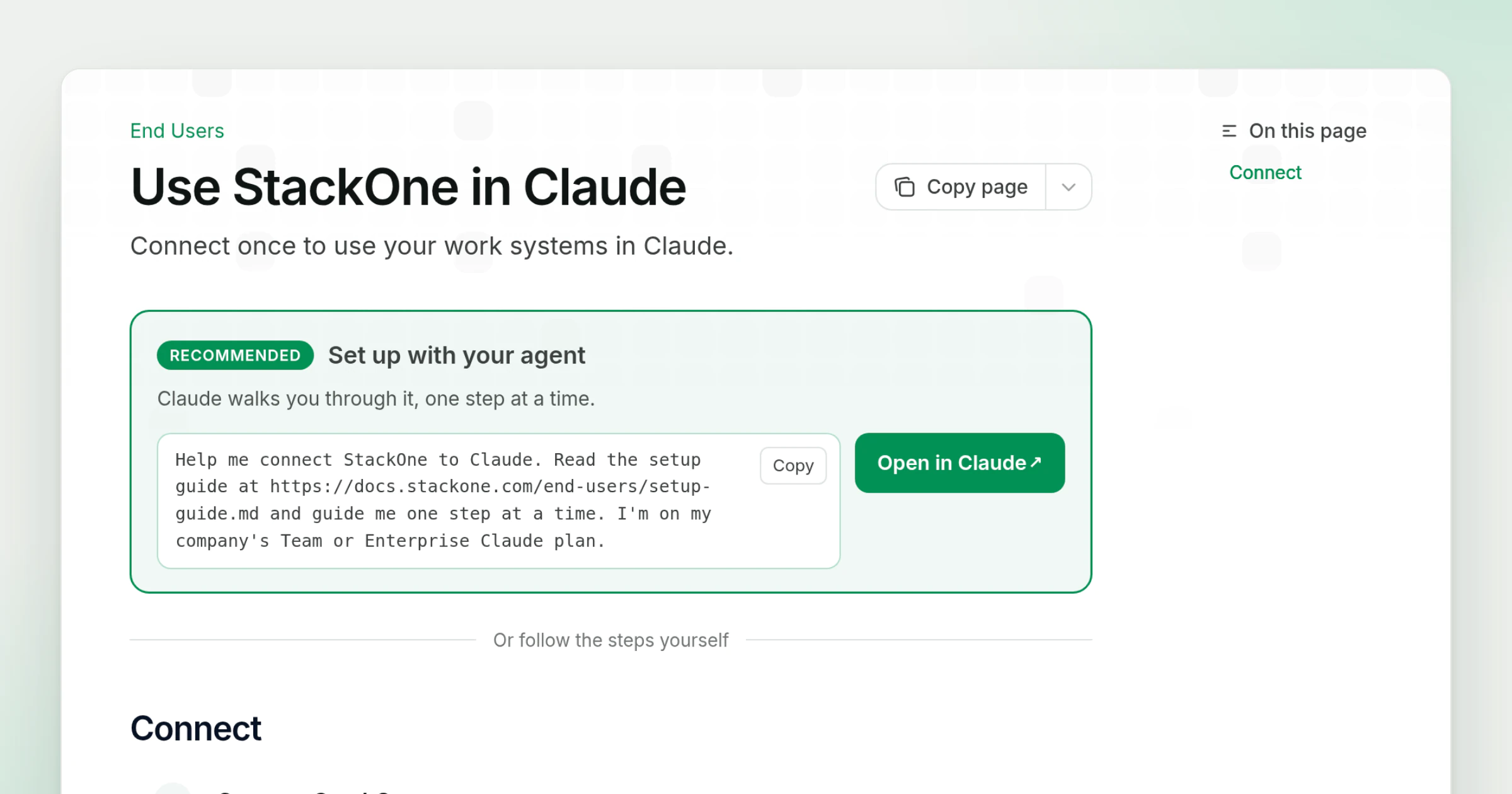
Use StackOne in Claude is a new docs page for end users: the people an admin sends to connect StackOne to Claude. It leaves out organization setup and OAuth client options and covers only the steps an end user takes.
What’s new
- Open in Claude. The page starts with a button that opens a Claude chat with a one-line prompt. Claude reads a setup guide written for agents and walks the user through each step.
- Steps for each Claude plan. Below the prompt, tabs hold the steps for Team or Enterprise and for Free, Pro, Max or Ultra: connect StackOne, sign in and pick the Linked Accounts Claude can use, then turn StackOne on in a chat.
- Links that pick the plan. Adding
?plan=teamor?plan=personalto the link shows only that plan’s steps, so an admin can send a link with the choice already made. - Share with your organization. The Copy page menu on end-user pages has a Share with your organization item, which copies a link that opens the page without the docs navigation.
- When StackOne is missing. If StackOne is not in a Team or Enterprise user’s connector list, the page gives them a message to send to the Claude Owner at their company.
Admins add the connector first with the Claude Desktop & Web guide, and the End Users overview lists the AI platforms with an end-user page. The account picker users see when they sign in is described in the MCP OAuth entry.